

Baby Monitors in Singapore: A Buying Guide for Parents
In this article
- Do you actually need a baby monitor?
- The main types of baby monitor
- How to choose by home, budget and lifestyle
- What to look for in the features
- Wifi camera security and privacy - please do not skip this
- Setup and placement safety
- A note on false alarms and alert fatigue
- Where to buy in Singapore
- Frequently Asked Questions
You have built the cot, washed the impossibly tiny clothes, and now you are wondering whether a baby monitor is a must-buy or just clever marketing. For most Singapore families the honest answer is somewhere in between: a monitor buys you peace of mind and a little distance from the nursery, but it is not a medical device and does not keep your baby safe on its own. This guide is for first-time parents trying to choose well without overspending. It covers every type of monitor, what matters inside an HDB flat or condo, how to match a model to your home and budget, and the one wifi step too many people skip: changing the default password.
Do you actually need a baby monitor?
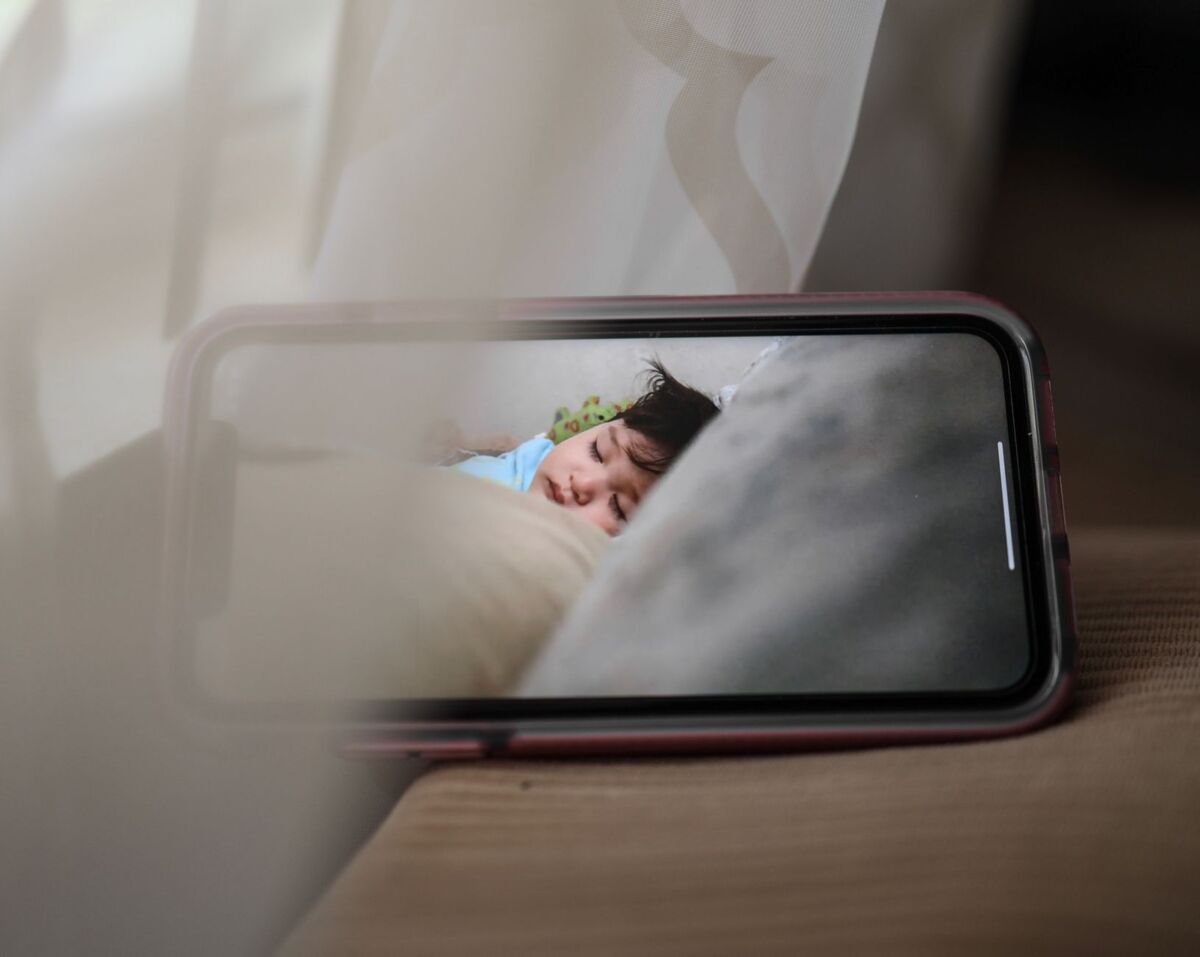
If you live in a compact flat and can clearly hear your baby cry from the sofa, you may genuinely not need anything at the start. Monitors earn their keep when the nursery sits far from where you spend your evenings, when thick concrete walls swallow sound, or when you want to glance at a sleeping baby without creaking the door open and undoing an hour of settling. They are a comfort, not a guarantee. To be clear: no monitor, including the breathing and movement types, is proven to prevent SIDS, and no device should lull you into skipping safe-sleep basics.
The main types of baby monitor
There are four broad categories on the shelves locally and online. Each suits a different kind of family, so it helps to know what you are choosing between before you compare prices.
1. Audio-only monitors
The simplest option: a microphone by the cot and a speaker unit you carry around, talking over a private radio link like a walkie-talkie. There is no internet involved, nothing to hack, and battery life is usually excellent. If all you need is to hear when your baby stirs, and the idea of one more app makes you tired, audio-only is often enough. These tend to be the most affordable monitors on the shelf.
2. Dedicated video monitors
A camera paired with its own handheld screen, communicating over a closed connection instead of your home wifi. Because nothing travels over the internet, there is no remote app and far less to worry about on privacy. These are the workhorses for many local parents who want to see their baby without inviting the wider web into the nursery. Look for one that holds a strong signal through solid walls. They usually sit in the mid range on price - more than audio-only, less than a fully smart wifi system.
3. Wifi and app-connected cameras
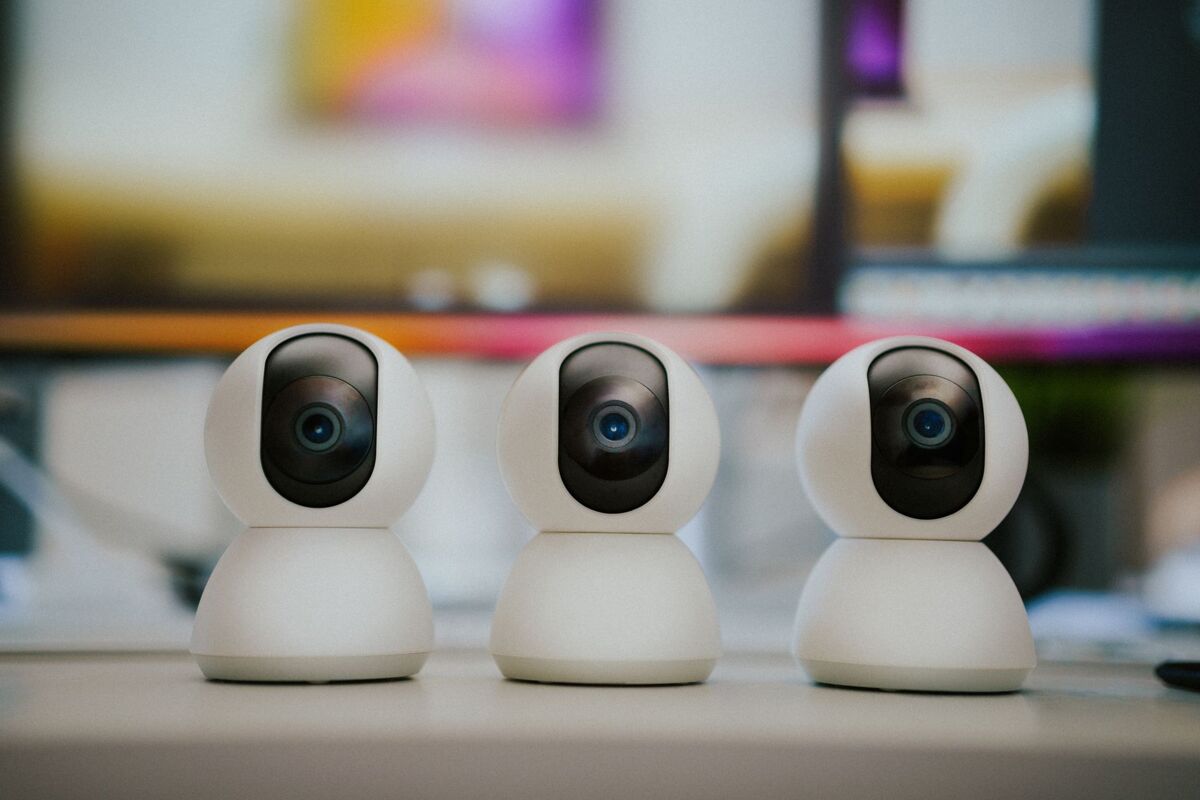
These stream audio and video to your phone over your home wifi, so you can check in from the office or the kopitiam below your block. Smarter models layer on sleep tracking, room-temperature alerts, and motion or cry detection. The trade-off is that your baby's video now travels over the internet, which makes the security settings genuinely important rather than optional. Smart wifi cameras are among the priciest options, and features vary a lot, so always check current specs before you buy.
4. Movement and breathing monitors
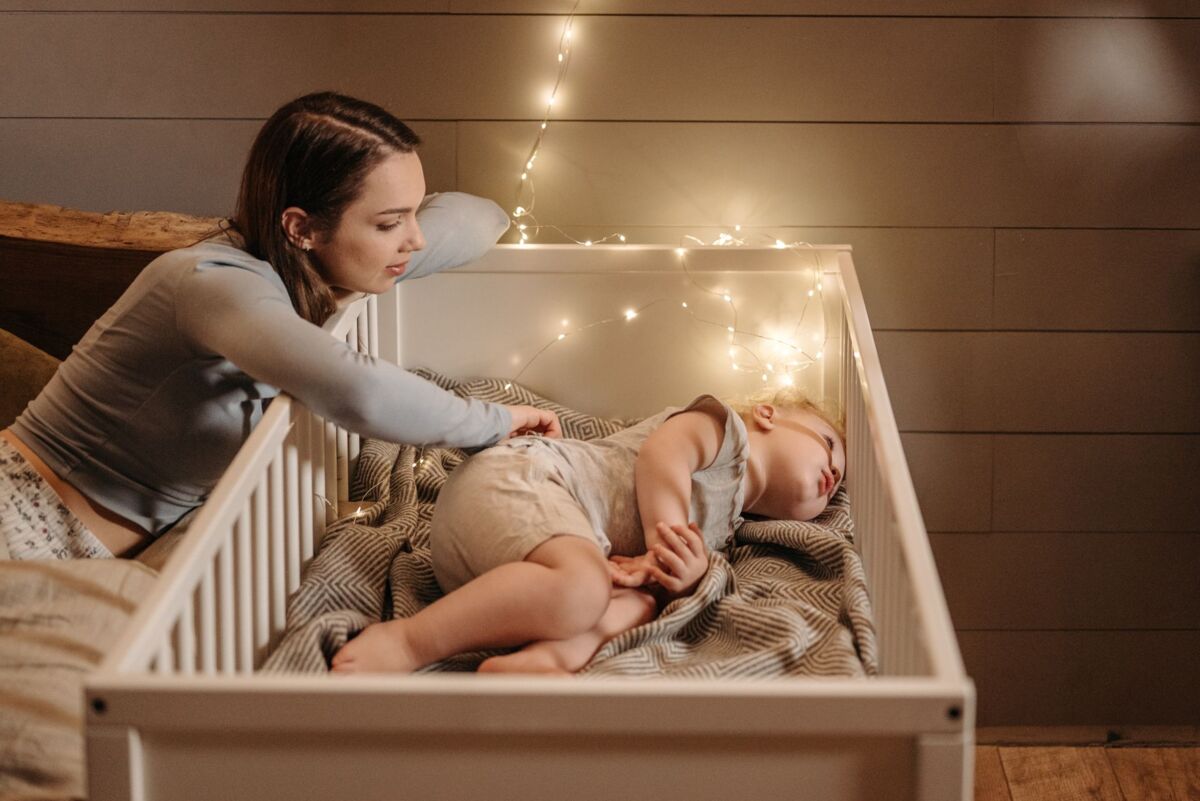
These track your baby's movement or breathing motion, usually through a sensor pad under the mattress or a wearable such as a sock or clip, and alert you if no movement is detected for a set period. They can reassure anxious parents, but they are also the most prone to false alarms and the most likely to wake you over nothing. To be very clear: these are not medical devices, and they are not proven to prevent SIDS. Treat them as extra comfort for your own nerves, not as protection that lets you relax on safe sleep.
How to choose by home, budget and lifestyle
The best monitor is the one that fits your flat and your routine, not the one with the longest feature list. A few honest questions usually narrow it down.
- Small flat, baby nearby: If the nursery is a room or two away and your walls are thin, a simple audio-only or basic video monitor is plenty. Do not pay for sleep analytics you will glance at once and forget.
- Larger or older flat with thick walls: Range and signal strength matter most. A dedicated video monitor with a strong closed connection often beats a wifi camera that stutters near the nursery.
- You want to check in while out: Returning to work, or leaving baby with grandparents or a helper? A wifi camera lets you look in from your phone anywhere with a connection - just lock down the security first.
- Tight budget: Start with audio-only or a no-frills video unit and upgrade later if you want more. Many families never feel the need.
- Anxious first-timer: A clear video feed reassures most parents far more than a movement pad, without the false-alarm stress. Be honest about whether a breathing monitor will calm you or feed the worry.
What to look for in the features
Once you know your type, these details separate a monitor you love from one that gathers dust in a drawer.
- Range and walls: HDB and condo interiors are full of concrete. A monitor that works fine in an open showroom can drop out through two solid walls. Check the stated range, then read reviews from local parents in similar-sized homes - older or larger flats often need a stronger signal than the box suggests.
- Night vision: Babies sleep in the dark, so infrared night vision is non-negotiable on any video model. Look for a clear black-and-white night image rather than a grainy smear.
- Battery and power: An audio or dedicated-video parent unit should last a full night on a charge. Wifi cameras usually run off mains power, so plan a socket near the cot - but well away from the cot itself.
- Two-way talk: Murmuring a few words to settle your baby without opening the door is one of the most loved features. It buys you minutes.
- Alerts you can tune: Temperature, sound and motion alerts are useful, but a monitor that pings constantly trains you to ignore it. Pick one that lets you adjust sensitivity.
- Multi-camera support: Planning a second child or want a second angle? Check whether the parent unit or app supports more than one camera, so you are not buying a new system later.
- Wifi reliability: An app-connected camera is only as good as your home network. If your wifi is patchy near the nursery, a dedicated video monitor will frustrate you far less.
Wifi camera security and privacy - please do not skip this
Any camera that connects to the internet can, in principle, be reached by someone other than you. The reassuring part is that a handful of basics close most of the gaps, and they take about five minutes.
- Change the default password immediately. This is the single most important step. Attackers specifically scan for devices still on their factory logins. Set a strong, unique password for both the camera app and your home wifi.
- Turn on two-factor authentication in the app if it is offered, so a stolen password alone is not enough to get in.
- Keep the firmware and app updated. Updates patch known security holes - switch on automatic updates wherever you can.
- Secure your home router too. A weak router undermines everything connected to it. Change its default login and keep its firmware current.
- Buy from reputable sellers and look for a recognised security label rather than the cheapest no-name camera.
On that last point, Singapore has a useful local benchmark. The Cyber Security Agency of Singapore runs the Cybersecurity Labelling Scheme (CLS), which rates consumer smart devices, including IP cameras, from Level 1 (basic) up to Level 4 (the most rigorous). A CLS label is a quick signal that a connected camera meets a baseline of security. If privacy worries you and the smart features do not tempt you, a non-wifi dedicated monitor sidesteps the online risk entirely - that simplicity is a feature, not a compromise.
Setup and placement safety
This is the part the glossy roundups tend to skip, and it matters more than any feature. A camera or sensor placed carelessly can create the very hazard the monitor was meant to guard against.
- Keep all cords well out of reach. Power and sensor cables are a strangulation risk. Position the camera so cords run at least an arm's length from the cot, secured along a wall, never dangling into or near it.
- Mount cameras securely. Wall- or shelf-mounted cameras should be fixed so they cannot topple into the cot - never balance a camera on the cot rail itself.
- Position for a useful view, not a perfect one. An angle showing the whole cot from a safe distance beats a close-up that needs the camera right beside your baby.
- Test it before the baby arrives. Set everything up, check the range from every room you use, and learn the alerts while you still have the patience.
A note on false alarms and alert fatigue
Movement monitors and oversensitive cameras can cry wolf. A pad that misreads a wriggle as silence, or a camera that pings at every shadow, quickly becomes noise you ignore - which defeats the point. Expect an adjustment period, learn to dial down the sensitivity, and if the false alarms leave you more anxious rather than less, switch to a plain video monitor.
Where to buy in Singapore
Baby monitors are easy to find locally. Dedicated baby stores such as Agape Babies, BabyCentral and PramFox stock a range of brands and can advise you, and the major online marketplaces carry plenty of options for fast delivery. Brands you will come across include Infant Optics, Philips Avent, VTech, VAVA, HelloBaby, Eufy, Nanit, Owlet and TP-Link Tapo - features and pricing shift constantly, so always check the current specs and price on the retailer's own listing before you commit. Prices range widely: entry-level non-wifi audio-video monitors are the most affordable, while smart wifi cameras and movement-tracking systems cost considerably more. To judge screen quality and handset feel in person, a weekend trip to a store or a baby fair can be worth it. While you are kitting out the nursery, our guides to the best baby cots and best strollers cover the other purchases worth getting right the first time.
Frequently Asked Questions
Is an audio or video baby monitor better?
Audio monitors are cheaper, simpler and very reliable if you only need to hear your baby stir. Video adds real reassurance because you can see whether your baby is genuinely awake or just shifting in their sleep, which often saves a wasted trip into the room. Most parents who can stretch the budget find video worth it, but plenty do fine with audio-only.
Are wifi baby cameras safe to use?
They are safe enough when set up properly. Change the default password, turn on two-factor authentication, keep the firmware updated, and secure your home router. Look for a camera carrying a Cybersecurity Labelling Scheme label where you can. If you would rather keep your baby's video off the internet entirely, choose a dedicated video monitor with its own screen instead.
Do I need a breathing or movement monitor?
No. They are optional comfort devices, not medical equipment, and they are not proven to prevent SIDS. Some parents find them reassuring; others find the false alarms more stressful than helpful. Safe-sleep habits - back sleeping, firm flat mattress, clear cot - matter far more than any sensor. Decide honestly whether the device will calm you or feed your worry.
What is the best baby monitor for an HDB flat?
For most HDB layouts, a dedicated video monitor with a strong closed signal handles concrete walls reliably without depending on your home wifi. If your nursery is close by and the walls are thin, a simple audio or basic video unit is enough. Older or larger flats benefit from a model with a stronger stated range, so check local reviews from similar homes.
At what age can I stop using a baby monitor?
There is no fixed age - it comes down to your home and your comfort. Many parents keep one through the toddler years, especially once a child moves to their own room. Others retire it once the child sleeps near them or sleeps reliably through the night. Use it for as long as it gives you peace of mind.
Whichever you choose, set it up and learn its quirks before your baby arrives, so you are not wrestling with an app at 3am. For more nursery and gear advice, browse our blog for the rest of the new-baby line-up, and pair this guide with our baby carrier comparison when you are ready for hands-free time on the go.

Art Jamming in Singapore: A Family Guide to Painting and Art Fun
Your parent's guide to art jamming in Singapore: what it is, the best ages, studio vs cafe vs at-home, what to bring, ro...
11 min read
Baby Fairs in Singapore: A Parent's Guide to Deals, Dates and Smart Shopping
A practical guide to baby fairs in Singapore: where they run, what to buy and skip, how to spot real deals, what to brin...
10 min read
Best Baby Swaddles and Sleep Sacks in Singapore
How to choose safe, breathable baby swaddles and sleep sacks in Singapore's hot climate, when to stop swaddling, and wha...
9 min read