

Coding Classes for Kids in Singapore: A Parent's Guide

In this article
- Why coding is worth your child's time (and what it really teaches)
- The main types of coding and STEM classes
- What age should my child start? An honest progression
- Formats: in-person, online, group or one-to-one
- How to choose a good programme
- Rough cost and commitment guidance
- Use trial classes wisely
- Frequently asked questions
If your child happily loses hours in Minecraft, Roblox or a sprawling LEGO build, a coding class can flip that energy from consuming to creating. Coding, robotics and STEM programmes are now a fixture of Singapore's after-school scene, with options from age 4 up to the teens. The hard part is not finding a class, it is choosing well: block coding or robotics, in-person or online, casual fun or competition track, and at what age. This guide is best for parents who want a clear-headed way to match a programme to their own child, without getting lost in a list of forty schools. We will walk through the types, the genuine benefits, how to judge quality, rough costs, and why a trial class is the single most useful thing you can do.
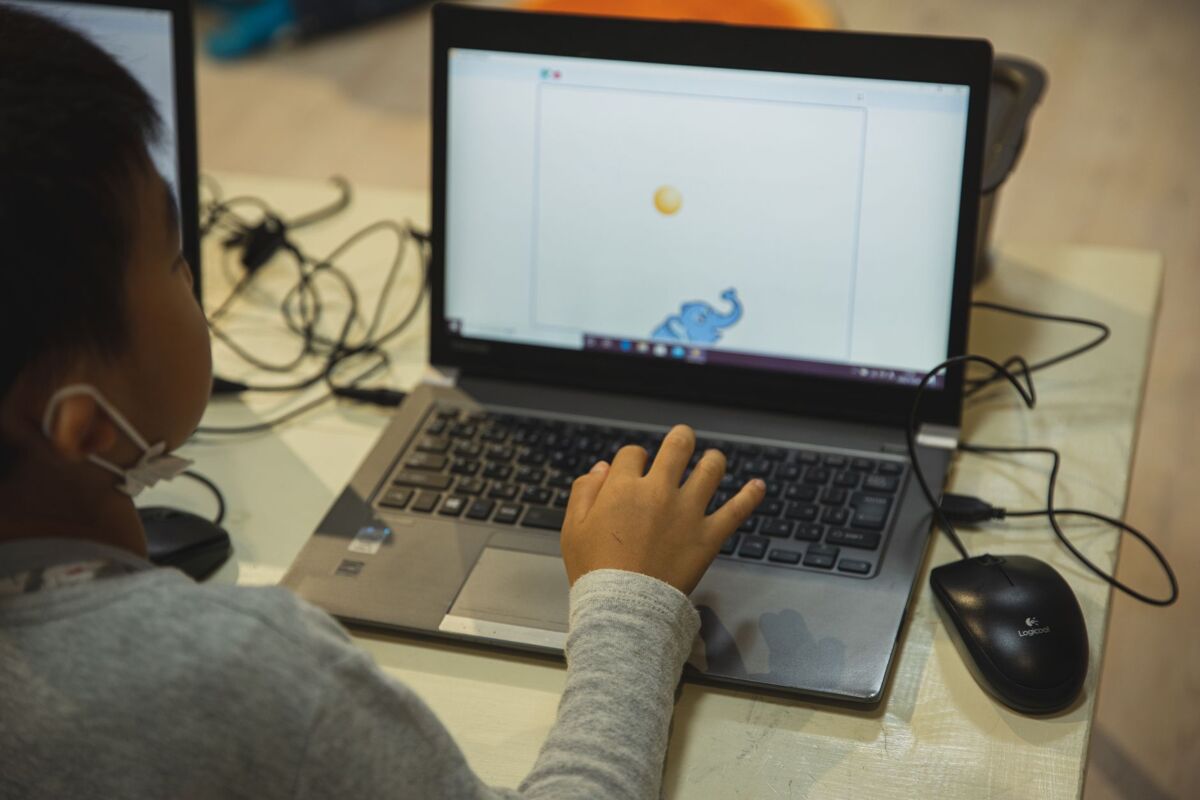
One reassuring thing first: your child is almost certainly already getting some exposure at school. Since 2020, the Code for Fun programme, run jointly by IMDA and MOE, has brought computational thinking and digital making (microcontrollers, simple robotics) to primary and secondary students, and IMDA has been piloting newer AI for Fun modules. So an enrichment class is about going deeper or starting earlier, not playing catch-up.
Why coding is worth your child's time (and what it really teaches)
The strongest case for coding is not that your child will grow up to be a software engineer. Most won't, and that is fine. The real payoff is the thinking habits. Block coding and robotics build computational thinking: breaking a big, messy problem into small ordered steps, spotting patterns, and methodically working out why something didn't run the first time. That last skill, debugging, is quietly one of the most valuable things a child can practise. It teaches them that a first attempt failing is information, not failure, and that you fix it by testing one change at a time.
Those habits transfer well beyond a screen. The patience to debug a game looks a lot like the patience for a tricky maths problem or a science experiment that flopped. Coding also gives children a rare creative ownership: they design their own characters, stories and rules rather than playing inside someone else's, and for a child who has only ever consumed games, that shift to maker can do real things for confidence. Be honest about the limits too: coding is no magic academic accelerant, no one needs to start at four, and it is one ingredient in a balanced week. If your child shows zero interest after a fair trial, that is information, not a problem to fix.
The main types of coding and STEM classes
Most providers organise courses by age and stage and roughly follow the same arc. Knowing the stages helps you read past the marketing and see what your child is actually signing up for.
Block-based coding (the gentle on-ramp)
For preschoolers and lower primary, classes usually start with block-based coding. The best known are ScratchJr for the very young and Scratch for slightly older kids, both free visual tools from MIT. Instead of typing, children drag colourful blocks and snap them together like puzzle pieces to make a sprite move, tell a story or build a game. There is no syntax to memorise and no typos to derail things, so kids focus on the logic and the creativity. It is a confidence-building introduction to computational thinking that a non-reader can manage with help.
Robotics and physical computing
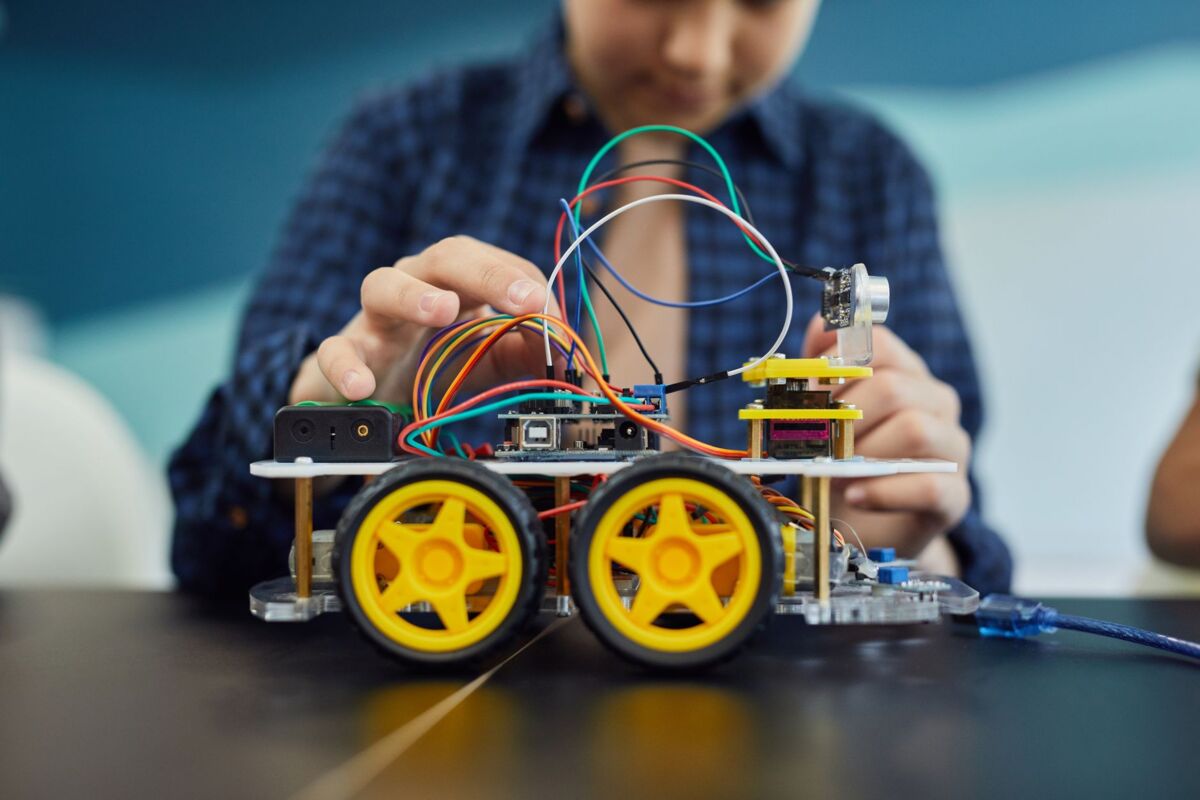
Robotics adds something you can hold. Children build with kits such as LEGO robotics or program tiny boards like the micro:bit, then write code to make their creation move, light up or react to sensors. That see-it-work loop is brilliant for kids who learn by doing and don't love sitting at a laptop. Robotics is also the entry point to competition tracks like the World Robot Olympiad and Science Centre Singapore's National Robotics Competition. Check the organisers' official sites for current categories, age bands and registration dates, as these vary year to year.
Game and app design, then real languages
As kids grow, classes move into game and app design (Roblox and Minecraft coding are popular hooks) and then text-based languages such as Python and JavaScript, plus web and app building. From around 2024, IMDA began piloting AI for Fun modules in schools, and many centres now offer AI-flavoured projects, so AI literacy is arriving earlier than many parents expect. For teens, the work can extend into portfolios, hackathons and competition coding, which some families use to support Direct School Admission. Treat that as a bonus, not the goal.
Quick definitions, since centres use the terms loosely: coding is the broad skill (logic and languages on screen); robotics is coding plus hardware you build and program; AI classes layer on tools like machine learning or chatbot-style projects. AI usually suits older kids who already have some coding behind them, so a young child new to all this is almost always better starting with blocks or robotics.
What age should my child start? An honest progression
Centres will happily take a four-year-old, but readiness matters more than the number on the birthday card. The useful signals are whether your child can follow a short multi-step instruction, focus for the lesson length, and (for text-based courses) read and type reasonably. Here is a realistic guide.
- Around 5 to 7: ScratchJr and visual block play, plus simple, sturdy robotics. Short sessions, lots of guided fun, no reading or typing needed. The goal is curiosity and basic sequencing, not output.
- Around 8 to 10: full Scratch, game design, and more involved robotics or micro:bit projects, with many kids dipping a toe into early Python. They can now follow a multi-week project and feel real pride in finishing it.
- Around 11 and up: text-based languages like Python and JavaScript, web, app and game development, and AI basics. Stronger reading, typing and attention make these realistic, and this is where portfolios and competitions become an option.
If your child is on the young side or not quite ready, there is genuinely no rush. Screen-free logic games, board games, puzzles and open-ended building toys lay the same foundations, often better. A child who learns to plan, sequence and persevere away from a screen picks up the coding tools fast when the time comes.
Formats: in-person, online, group or one-to-one
The format shapes the experience as much as the curriculum does, so match it to your child and your family's logistics rather than to the slickest brochure.
- In-person at a centre: best for hands-on robotics, social learning and younger children who need an adult nearby. The trade-off is the commute and a fixed weekly slot.
- Online live (with a real teacher): saves travel, opens up tutors beyond your neighbourhood, and suits self-directed kids. Better for screen-based coding than robotics, and it demands more focus at home.
- Self-paced platforms: cheapest and most flexible, good for a motivated tween who likes to tinker, but no one is there to unstick them, so motivation can fade.
- Group vs one-to-one: groups bring peers, friendly competition and a lower price (look for small ratios). One-to-one is fully paced to your child and best for one who is far ahead, far behind or easily distracted, but it costs more.
- Holiday camps vs weekly term: camps are a low-commitment way to test interest over a school break with fast momentum; weekly term classes build deeper skill but ask for a longer commitment.
How to choose a good programme
With so many providers advertising, a short checklist keeps you focused on what matters rather than on logos and trophy counts.
- Small class ratios: a low student-to-teacher ratio means your child gets unstuck quickly instead of waiting. For young children especially, ask the specific number rather than accepting "small groups".
- The right level for your child: a good provider asks about age and prior experience and places accordingly, rather than lumping everyone together. Beware of a class your child will simply repeat.
- Instructors who can teach, not just code: ask about the teachers' experience working with children, not only their technical credentials. Patience and the ability to explain are what your child meets each week.
- Project-based with a portfolio: look for classes where children build and keep real projects (games, apps, robots) rather than only working through worksheets. Something tangible to show is both motivating and, later, useful.
- A clear progression pathway: a roadmap from blocks to real languages over time, so your child keeps moving forward instead of plateauing.
- A genuine trial class: the best single test, covered below. Favour providers who offer one without a hard sell attached.
- Logistics that fit real life: proximity to an MRT or easy parking, a timing that survives a normal week, and a term commitment you are comfortable with. The most brilliant class is useless if the Tuesday traffic makes everyone miserable.
- Balance and screen time: separate passive screen time (scrolling, watching) from active (creating, problem-solving). Coding sits firmly in the active camp, but it is still screen time, so set limits and lean on unplugged robotics where the build is physical. Our wellness hub has more on raising well-rounded kids.
Centres run across most neighbourhoods, so there is usually something within reach. Always confirm current fees, term dates, schedules, ages and any accreditation details on the provider's own website, since these change often and vary by course.
Rough cost and commitment guidance
Fees vary widely by format, class size and provider, so treat any figure as a ballpark, never a fixed rate. Roughly: weekly term classes are billed per term or month and add up over a year; one-to-one and premium centres sit at the higher end; group and online classes are more affordable; and holiday camps are usually a one-off bundle for the week. Always get the current price in writing before committing.
- Ask what is included: robotics kits, software licences and materials may be extra, or loaned for class use only. Clarify before you sign.
- Check the commitment: some centres bill a full term up front, so know the refund and withdrawal policy before paying.
- Look for trial and sibling rates: trial classes are often discounted, and many centres offer sibling discounts.
- Hidden time costs: factor in the commute and parent waiting time, not just the fee.
Use trial classes wisely
Many schools offer a trial or taster session, and it tells you far more than any brochure. Sit in or watch through the window if you can. A well-run lesson has a clear shape: a warm-up, a short bit of instruction, plenty of real hands-on coding time, and a wrap-up where children share what they made. Watch how the instructor handles a child who gets stuck. Are they patient and encouraging, or do they just take the mouse and fix it? The first builds a problem-solver, the second builds dependence.

The clearest signal of all is your own child. Do they come out buzzing, wanting to show you what they built and asking about next week? Or do they trail out relieved it's over? Enthusiasm at this stage is worth more than any reputation.
Frequently asked questions
What age should my child start coding?
Many centres take children from around age 4 with playful block-based and robotics activities, but readiness (focus, following instructions, and for text courses, reading and typing) matters more than the exact age. There is no rush. If your child is younger, screen-free logic games and building toys build the same foundations beautifully.
Does my child need a powerful computer?
For block-based tools like Scratch and ScratchJr, no. They run in a web browser or on a tablet, are free, and let kids keep tinkering at home with just an internet connection. Robotics and some advanced courses use kits or specific software, often provided by the centre, so check what is included before you buy anything.
Is coding only for kids who love computers?
Not at all. Plenty of children come for the games, the robots or the chance to make something, and absorb the thinking skills along the way. Robotics in particular suits hands-on kids who don't see themselves as "techy" and may even prefer building to typing.
Coding or robotics first?
For most young children either works, so follow their interest. Hands-on kids who fidget at a screen usually take to robotics; kids who love games and stories often prefer screen-based block coding. Many centres blend the two, which is a fine place to start.
Will coding help with school or DSA?
It can support the broader thinking skills schools value, and a strong project portfolio or competition record sometimes helps with Direct School Admission for relevant programmes. But treat that as a possible bonus, not the reason to enrol. The thinking habits are the real prize.
Coding classes can be a genuinely rewarding part of a child's week when the level, format and teacher are a good match, and when they sit inside a balanced routine. Start with a trial, follow your child's interest, and let the enthusiasm lead. For more, explore our enrichment classes guide, see how coding sits alongside math enrichment, and for off-screen balance browse kids' sports classes. The wider learn hub has more skill-building ideas.

How to Choose the Best Preschool in Singapore: A Parent's Guide
How to choose the best preschool in Singapore for your child: centre types, curriculum, fee ranges, ECDA subsidies, wait...
11 min read
Childcare Centres in Singapore: A Parent's Guide to Infant Care, Subsidies and Choosing the Right One
How childcare centres in Singapore work: infant care vs full-day childcare, ECDA operators, subsidies, waitlists, fees a...
10 min read
Children's Libraries in Singapore: A Parent's Guide to NLB
A parent's guide to NLB children's libraries in Singapore: kids' sections, story times, free membership, the NLB app, Li...
11 min read